TMetric is a time-tracking utility that comes in desktop and web versions. The desktop app complements the web platform, which houses a much broader feature set. To start using the software, you need to create an account on the developer's website.
Activity monitoring and tracking
Right from the start, the app asks if you want to record your activity. This gets recorded while the timer is running, showing the specific apps you have used and the websites you have visited. It also prompts you to start tracking your working time.System tray and quick access
You can access the app by right-clicking its icon in the system tray. This lets you quickly reach common features like starting a new task or viewing recent ones. You can also open the main desktop or web interface and access your preferences.Desktop vs web functionalities
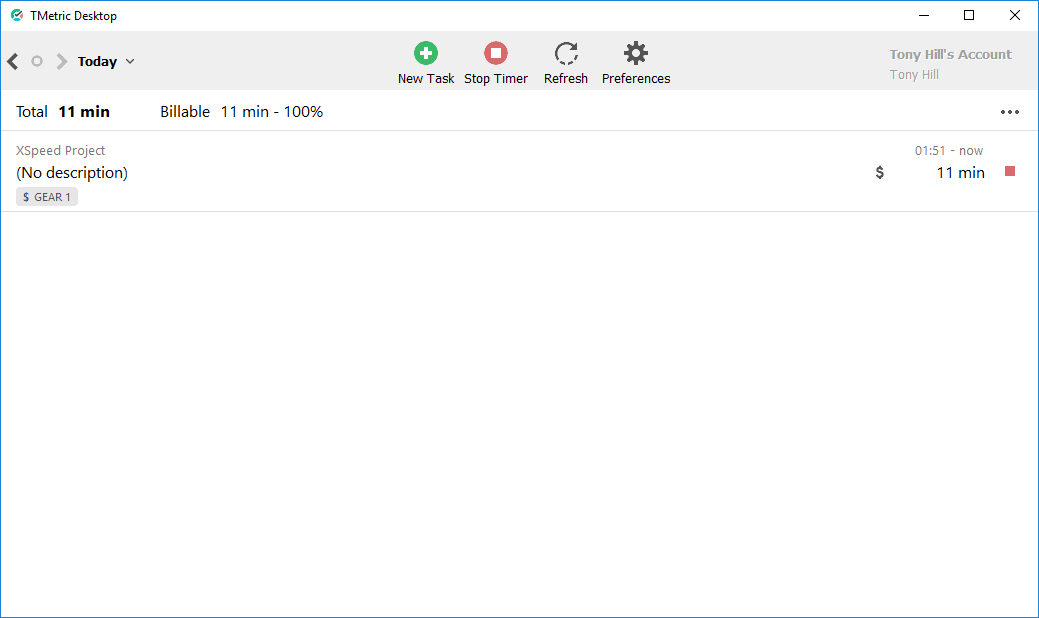
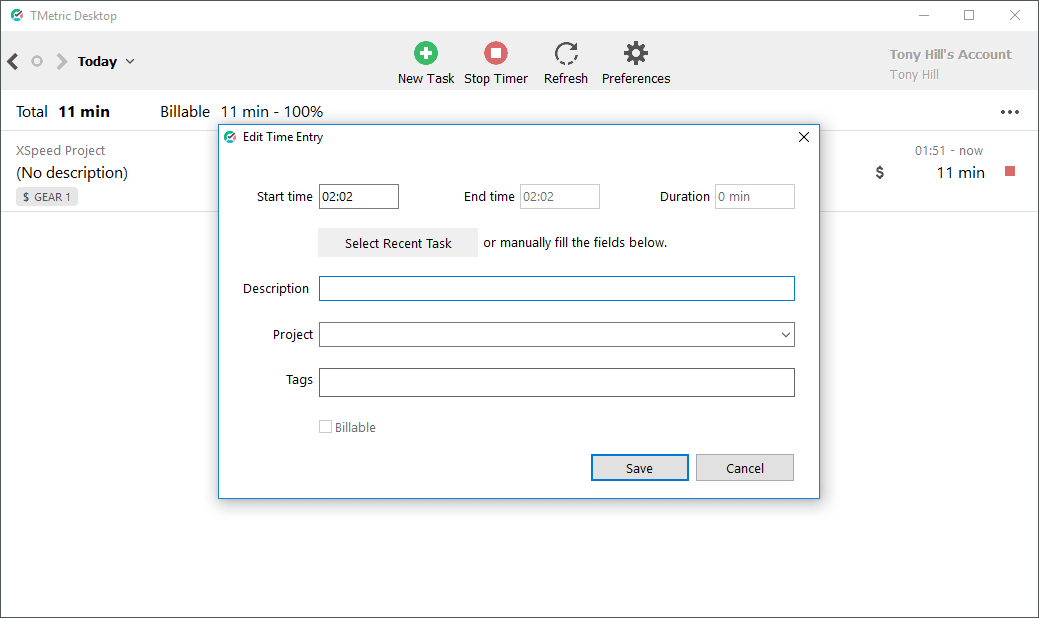
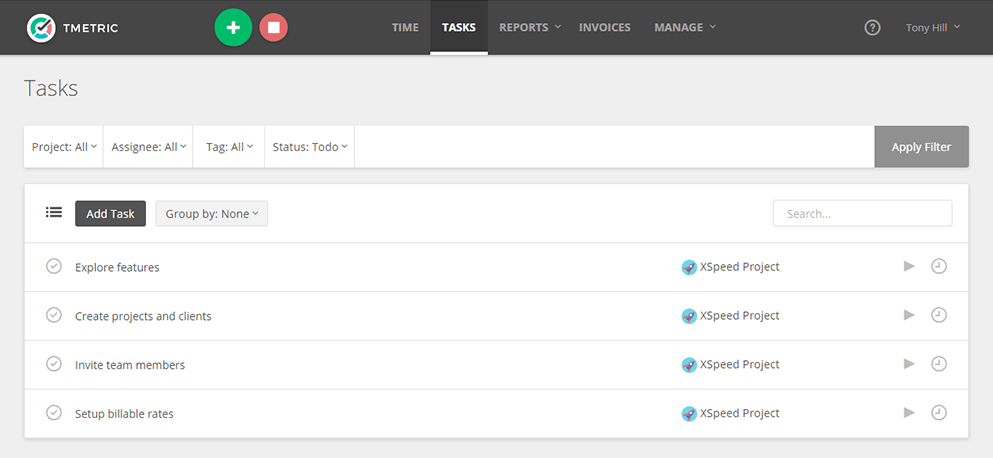
The desktop client covers most everyday needs, like creating new tasks and viewing your schedule for a selected day. You are often better off using the web version, though, because it provides considerably more functionality. The web dashboard is where you can view detailed reports, create invoices, and handle similar administrative tasks.Preferences and automation
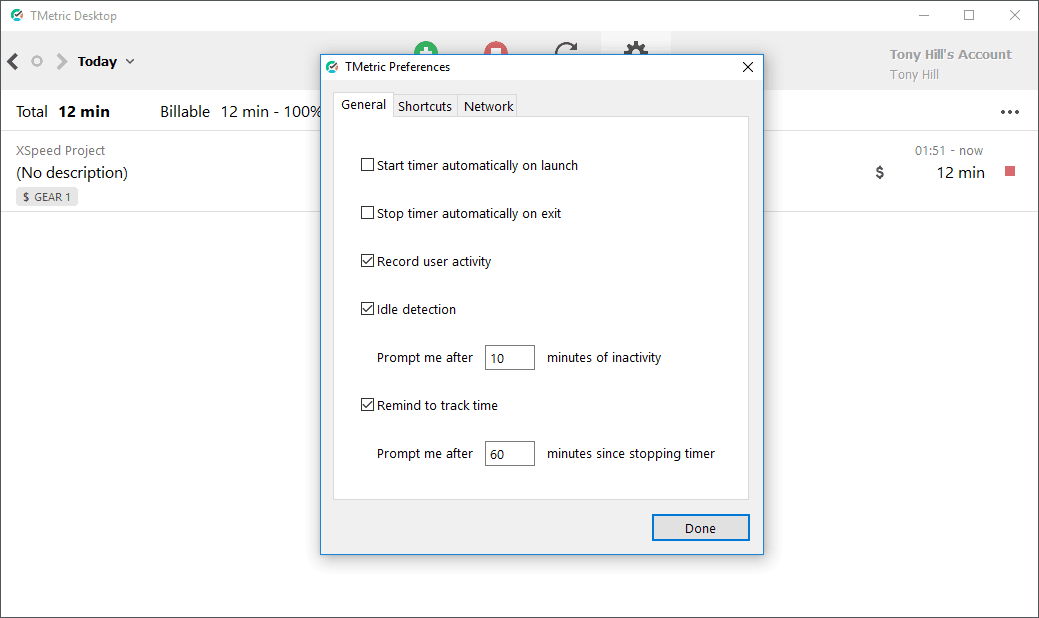
You might find a few specific settings in the app's preferences particularly useful. You can configure the timer to start automatically on app launch or stop on exit. It also lets you record user activity, enable idle detection, and set up reminders to track your time. A handful of in-app shortcuts can be configured here as well.A practical productivity booster
TMetric is a handy tool for enhancing your productivity by keeping track of the time you spend on various projects. You can rely on the desktop version to quickly access common features and switch to the web version to utilize everything else the platform has to offer.